A laptop that runs hot and loud is not just annoying. Heat slows the processor down, drains the battery faster and shortens the life of every part inside.
In most cases the cause is simple: dust in the fan and old thermal paste between the chip and the cooler.
Where the heat comes from
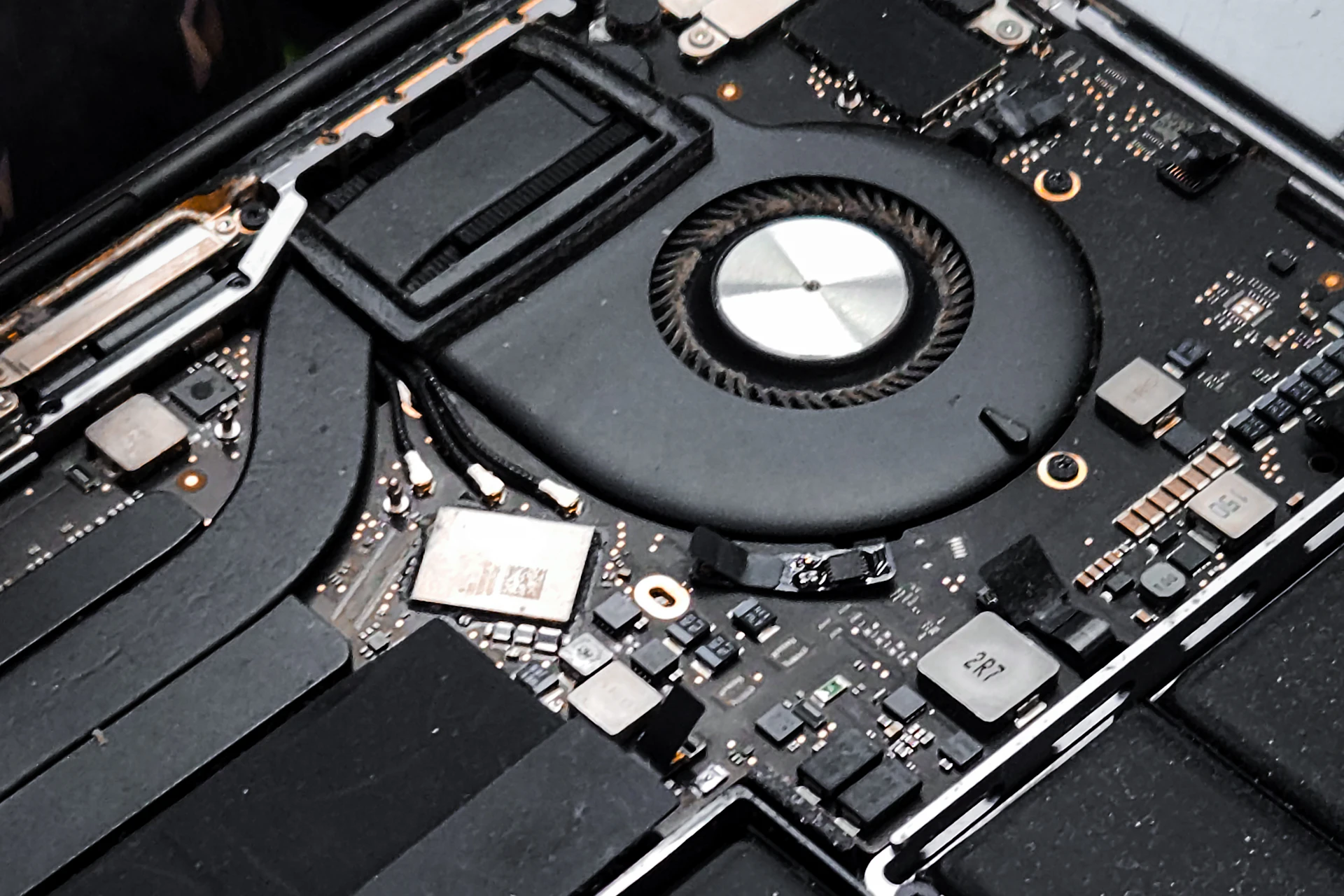
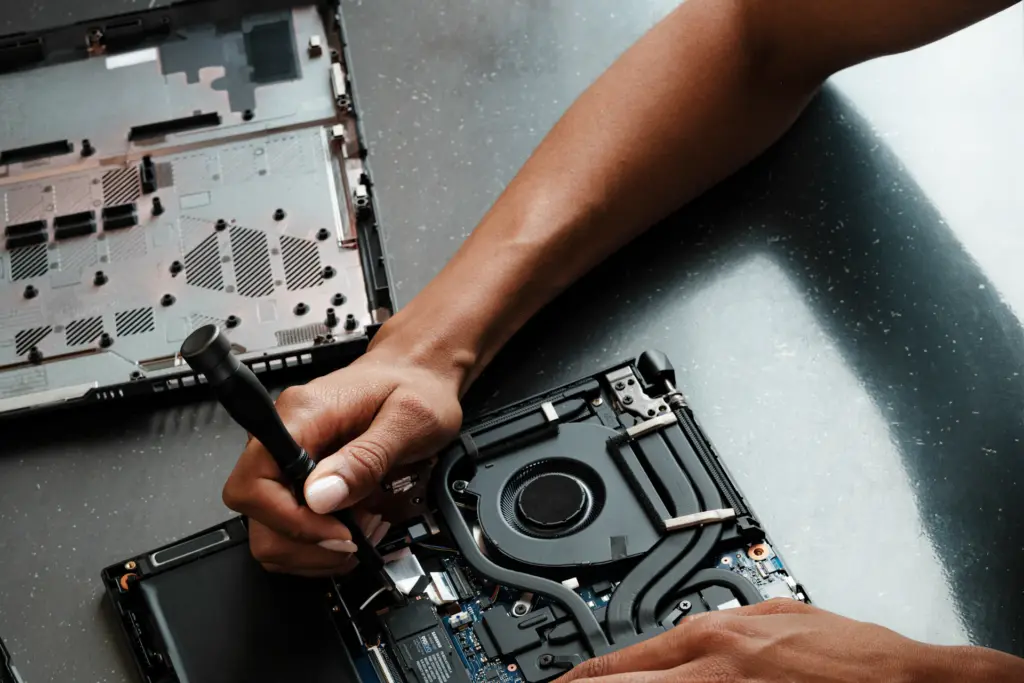
The fan pulls air through small vents. Over time, dust and hair build up and block the air flow.
The thermal paste that moves heat from the chip to the cooler also dries out after a few years.
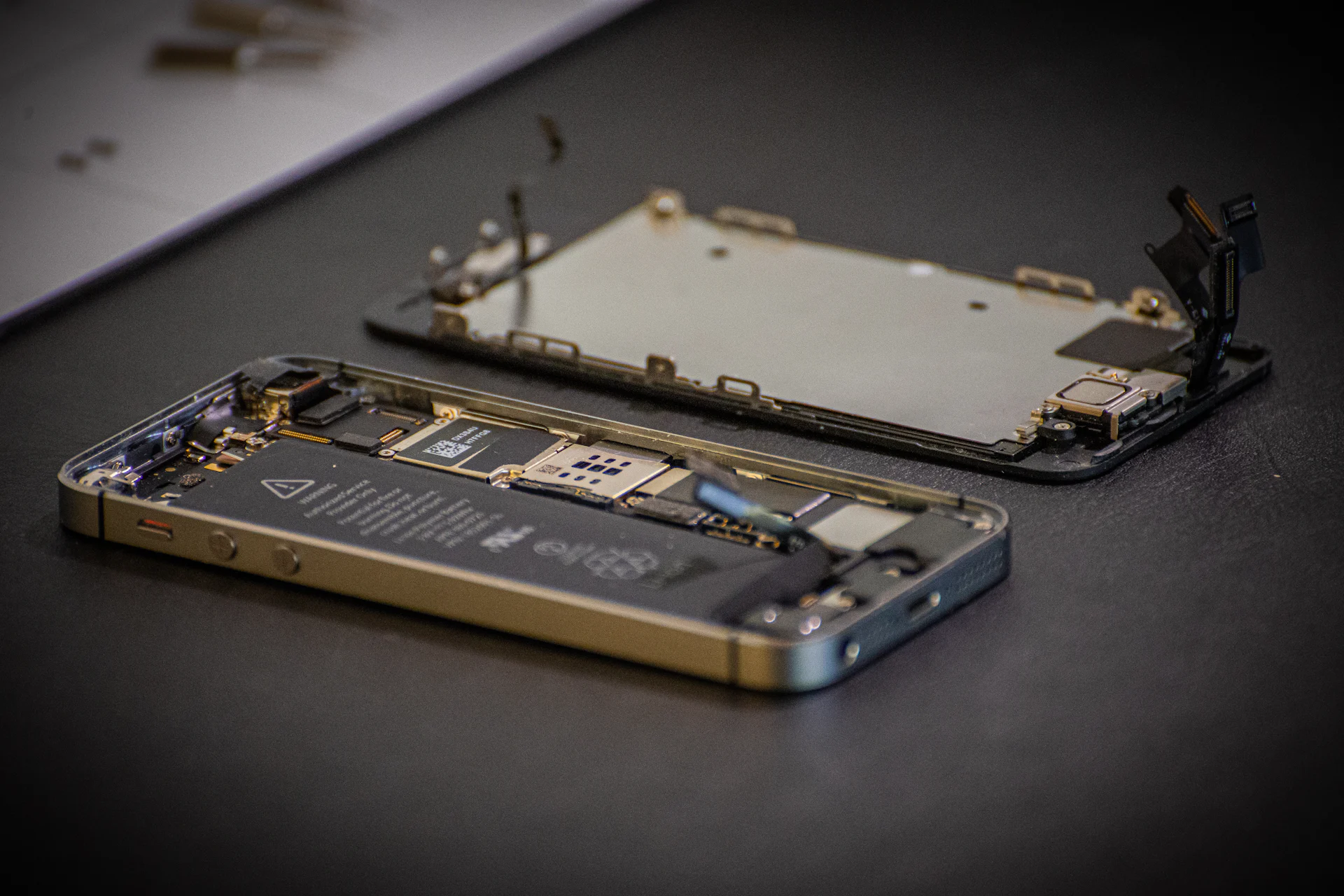
What a cleaning service includes
Our laptop cleaning takes about one hour and includes:
Step by step
Test
We measure the temperature under load before we start.
Clean
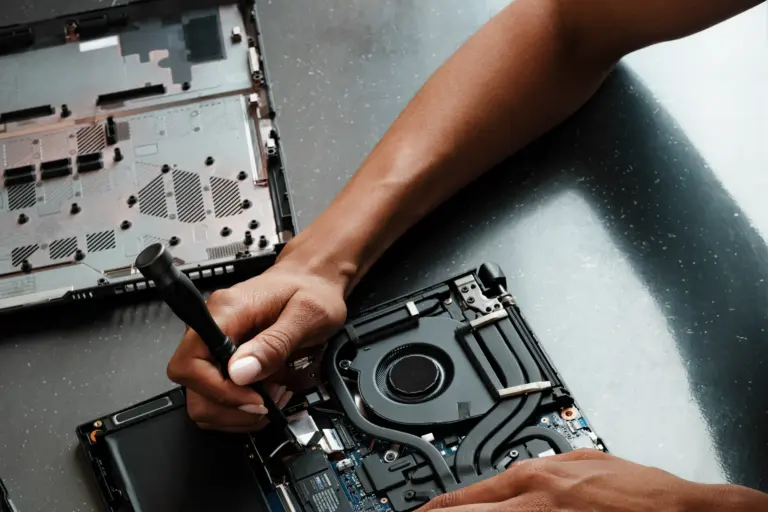
We open the laptop, clean the cooling system and replace the paste.
Confirm
We test again and show you the lower temperatures.
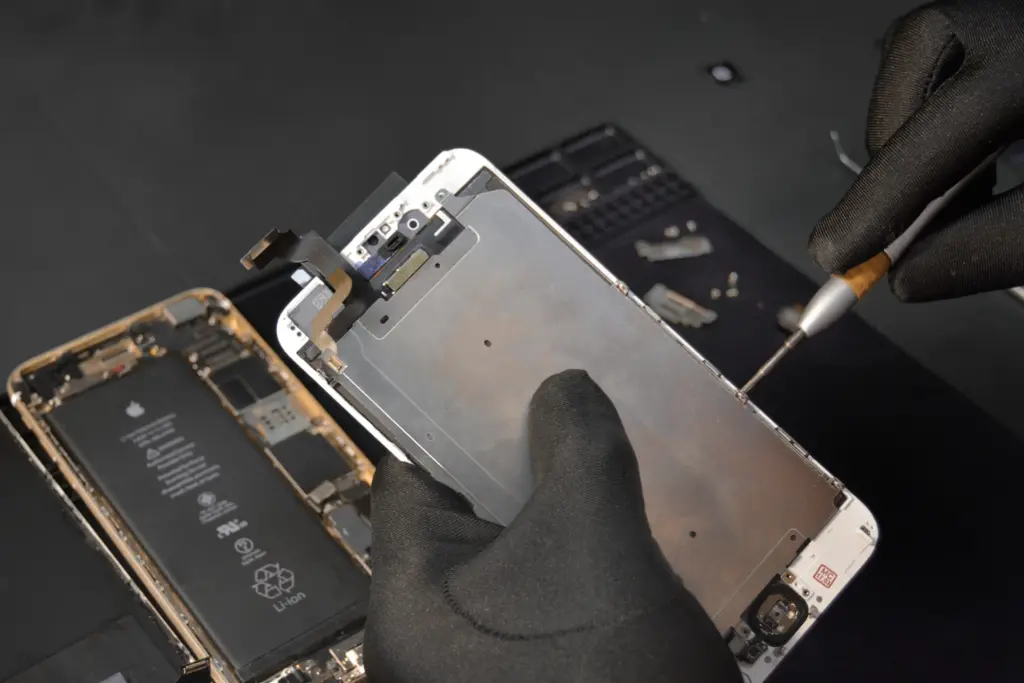
Bring your device in early. A small problem is always faster and cheaper to fix than a big one.
Vendy repair teamKey takeaways
Final thoughts
A cleaning every two years keeps your laptop quiet, fast and cool. It is one of the best value services for any computer.