
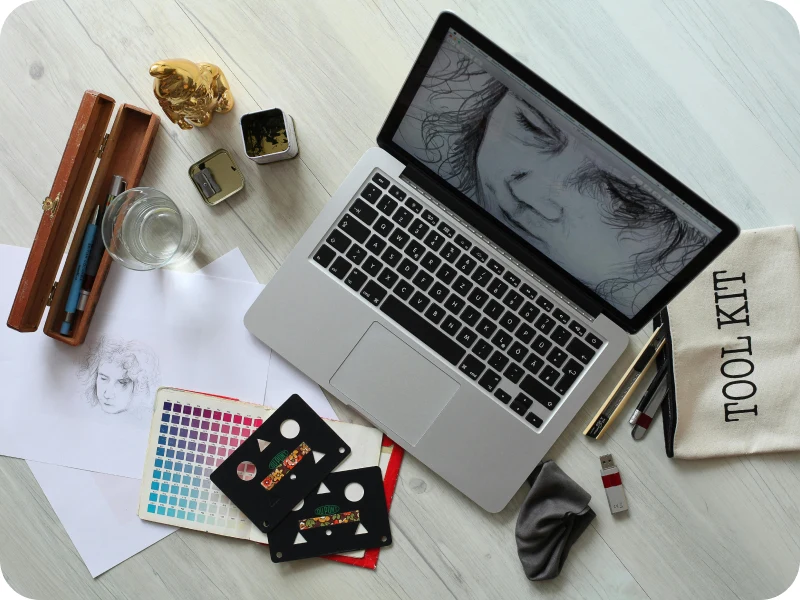
AI image tools can create fifty ideas in a minute. Designers who get the most from them treat the tools as a sketchbook, not a final answer.
Use AI for the first ten ideas, then use your eye for the last one.
- Write prompts with your brand words
- Generate many options, then choose fast
- Redraw the final version by hand
- Keep a library of prompts that worked
Protect your own style
AI tools learn from millions of images, so their first ideas often look the same. Your style comes from the choices you make after the first round.
Keep a short list of rules that make your work recognisable: a colour palette, a type of lighting, a way of framing people. Use these rules to judge every AI idea.
Share the process with clients
- Show the AI ideas as early sketches
- Explain why you chose one direction
- Present the final work as hand-finished design
- Agree on who owns the final files
Clients value speed, but they pay for judgement. Being open about how you use AI builds trust and keeps the focus on your design decisions.
With this workflow, mood boards that took a day now take an hour, and the final work still feels like yours.